
Category: Access Control System
Can Access Control Be Added to Existing Commercial Doors?
Posted On: November 13, 2026
One lost key can put your entire business’s security at risk, especially when you don’t know who else has a copy. Replacing every commercial door isn’t always the answer. Access control can be added to existing commercial doors by installing compatible electronic locks and hardware, provided the doors are in suitable condition.
You can decide who enters your building and restricts access to sensitive areas without relying on traditional keys with a commercial access control system. Employees can use key cards, key fobs, or PIN codes to unlock authorized doors. Knowing your existing door hardware and security needs helps you choose the right access control solution without replacing doors unnecessarily.
How Does Access Control Work on an Existing Door?
An access control system connects an entry credential to a locking mechanism. When someone presents an authorized card, enters a PIN, or uses another approved credential, the system checks their permission and releases the lock when access is allowed. The main components usually include:
- Access reader: Reads a card, key fob, PIN, or supported mobile credential.
- Electronic lock: Secures the door and releases it when the system grants access.
- Access control panel: Processes access requests and communicates with connected hardware.
- Power supply and wiring: Provide power and connections where the selected system requires them.
- Access management software: Allows authorized administrators to assign permissions, manage users, and set access schedules when supported.
Not every installation needs the same equipment. Some systems use existing wiring and controllers, while others may suit wireless or battery-powered hardware. The right setup depends on the building, the type of door, and how the business wants to manage entry.
What Types of Commercial Doors Support Access Control?
The type of door your business already has plays a big role in choosing an access control system. Steel doors may accommodate different electronic locking options than glass storefront entrances, while wood doors depend on their existing lock preparation and condition. In many cases, the door itself can stay in place, but some hardware may need to change.
Hollow Metal and Steel Doors
Found in offices, warehouses, utility rooms, and back entrances, hollow metal doors are often suitable for access control upgrades. Depending on the existing lock and door preparation, an installer may be able to add an electric strike, an electrified lock, or another compatible locking device. Before choosing the hardware, check these details:
- Existing lock: Can the current lock work with the proposed access control system?
- Door frame: Is there enough space for the required locking hardware?
- Wiring access: Can cables be routed to the lock and reader without unnecessary alterations?
Aluminum and Glass Storefront Doors
Glass storefront doors can be more challenging to upgrade because their aluminum frames are often narrow and use specialized locking mechanisms. The solution must fit the existing storefront system rather than simply replacing the lock with a standard electronic model.
Some entrances can use compatible electric strikes or electrified locks. Others may need specialized hardware designed for the door’s frame and locking arrangement. The goal is to add controlled entry while preserving the door’s normal operation and security.
Wood Commercial Doors
Wood doors are common inside offices, conference rooms, and private work areas. Many can accommodate electronic locks or compatible retrofit hardware, particularly when the door is structurally sound and has suitable lock preparation.
When can the existing door stay?
Keeping it may be possible if the door closes properly, the frame is in good condition, and the selected hardware fits without compromising the door’s strength. Damaged wood, unsuitable cutouts, or an incompatible lock may require repairs or hardware changes before installation.
Fire-Rated Doors and Emergency Exits
Doors that protect fire-rated openings or serve as emergency exits need special attention. Adding access control must not compromise fire protection or prevent people from leaving safely during an emergency.
The locking hardware, release method, and any connection to the fire alarm system must suit the specific opening and applicable codes. Fire-rated doors may also require approved, compatible components to maintain their rating.
Important:
Never select access control hardware based on fit alone. The complete door assembly must continue to meet relevant fire-safety, building, and exit requirements.
How to Install Access Control to an Existing Commercial Door
Adding access control to an existing commercial door starts with checking the current hardware and choosing a system that fits. The exact installation process depends on the door type, locking mechanism, and whether the system uses wired or wireless components.
- Inspect the Existing Door and Lock
Check whether the door opens, closes, and latches properly. Loose hinges, a damaged frame, or a misaligned strike can cause problems after installation if they are not addressed first. The inspection also helps determine whether the existing lock can be reused or needs an upgrade.
- Choose the Right Access Control System
Select a system based on how your business manages entry. Options include card readers, key fobs, PIN keypads, and mobile credentials. The locking hardware must be compatible with the existing door and frame.
- Install the Electronic Locking Hardware
Depending on the setup, installation may involve fitting an electric strike, replacing the existing lock with an electrified model, or adding another compatible locking device. Some doors require adjustments to the frame or hardware preparation, so not every installation is a simple swap.
- Connect the Reader and Power Supply
The access reader is installed near the entrance, while the lock and controller are connected according to the system design. Wired systems require suitable cable routes and power. Wireless options may reduce wiring needs, but they still require compatible locking hardware and reliable power.
- Configure Access Permissions
Once the hardware is connected, configure the system to recognize authorized credentials. Set up access permissions for employees, contractors, and other users, including any time-based restrictions supported by the system.
- Test the Door and Safety Features
Test authorized and denied entry, door latching, and the system’s response to power interruptions. Confirm that people can exit safely and that any required emergency release or fire alarm integration works as intended.
Before installation:
Commercial access control involves electrical connections, locking hardware, and sometimes fire-rated doors or emergency exits. Have a qualified installer handle the work to help ensure the system operates reliably and meets applicable safety requirements.
What Needs to Be Checked Before Installation?
An access control upgrade involves more than installing a card reader beside the entrance. The existing door and its hardware must work properly with the new system. Here are the main points to review before planning an access control installation.
Door and frame condition: The door should open, close, and latch correctly. Damaged frames, loose hinges, misalignment, or faulty closers can prevent the lock from working as intended.
Existing locks and hardware: The current lock, latch, hinges, closer, and exit devices must be compatible with the proposed access control equipment. Some components may be reused, while others need upgrading.
Power and wiring: Wired systems require suitable power and a practical route for cables. Existing wiring may be reusable after its condition and compatibility have been checked.
Entry and exit requirements: Staff and visitors must be able to leave safely. The locking method and release arrangements should suit the building’s use and applicable safety requirements.
Access needs: Consider who needs entry, which areas require restrictions, and whether access should depend on schedules or individual permissions.
Future changes: Businesses that expect to add doors, employees, or restricted areas should consider whether the proposed system can support future expansion.
Checking these details early helps prevent unexpected hardware changes and avoids investing in equipment that does not suit the existing door.
Is It Better to Retrofit Access Control or Replace the Door?
Replacing a commercial door is not always necessary when the main goal is better entry security. A retrofit may be a practical option when the door and frame remain in good condition and compatible hardware is available.
Retrofitting may suit businesses that want to keep functional doors, limit building work, or upgrade selected entrances first. The existing lock, frame, and wiring can potentially remain in use, depending on their condition and compatibility.
Door replacement may be the better choice when the door is badly damaged, the frame cannot support the required hardware, or the existing opening cannot meet the project’s security and safety requirements.
Consider the long-term needs of the building before making a decision. The lowest initial cost does not always provide the best value if the door continues to require repairs or the system cannot support future changes.
What Are the Benefits of Adding Access Control to Commercial Doors?
Upgrading existing commercial doors can provide several practical benefits when the system is selected and installed correctly.
- Better entry management: Restrict access to offices, stockrooms, server rooms, and other sensitive areas.
- Less reliance on physical keys: Reduce the need to distribute keys and replace locks whenever access permissions change.
- More control over permissions: Grant or remove access for employees, contractors, and other authorized users.
- Convenient entry: Key cards, fobs, PINs, or mobile credentials may make daily access easier, depending on the system.
- Access records: Supported systems can record entry events, helping administrators review activity when needed.
- Flexible upgrades: Suitable existing doors may be upgraded individually or as part of a larger security project.
Access control is not a substitute for sound doors, reliable locks, or proper security procedures. The best results come from combining compatible hardware with a system that suits the property’s needs.
Do Existing Commercial Doors Need Repairs Before Access Control Is Added?
Sometimes, yes. Mechanical problems can affect electronic locking systems even when the reader and controller are working properly.
A door that drags against the floor, fails to latch, or closes too slowly may prevent the lock from securing the opening consistently. Worn hinges, damaged frames, faulty closers, and misaligned strikes can also cause problems.
Fixing the door first can prevent access control issues later. A professional inspection should identify any repairs needed before the new hardware is installed.
Fire-rated openings and emergency exits may also require specific approved hardware and release arrangements. In the United States, the U.S. Access Board’s ADA Standards explain accessibility requirements that apply to doors and other building features. The applicable requirements depend on the building and the work being performed.
Final Thoughts: Upgrade Your Commercial Door Security With Alpha Doors & Security NJ
Adding access control to an existing commercial door can be a practical way to improve security without replacing every entrance. The right solution depends on the door’s condition, compatible locking hardware, wiring options, and the building’s safety requirements.
Alpha Doors & Security NJ helps commercial property owners address door and hardware needs with solutions suited to their existing openings. Before committing to a full replacement, have your commercial doors assessed to determine which components can remain and which may need attention.
Planning an access control upgrade? Contact us to discuss your commercial door requirements and identify the next steps toward a secure, reliable entrance.
Frequently Asked Questions
Can access control be installed without replacing a commercial door?
Yes, many existing commercial doors can support access control when the door, frame, and current hardware are compatible with the proposed system. An inspection can establish whether a retrofit is suitable or whether repairs or replacement are needed.
Can I use my existing commercial lock with access control?
Sometimes. Certain existing locks can work with compatible electronic hardware, while other locks need modification or replacement. The lock’s type, condition, and required locking function determine whether it can remain.
How much does commercial door access control cost?
The cost depends on the number of doors, the type of access control system, the locking hardware, wiring requirements, and any repairs needed. Reusing suitable components may reduce costs, but the total should be based on an assessment of the specific openings.
Can access control be added to a glass storefront door?
Yes, some glass storefront doors can support access control. Narrow aluminum frames and specialized locks may limit the available options, so the existing storefront hardware and frame should be checked before selecting a system.
Does access control still allow people to exit during an emergency?
The system must be designed to meet applicable egress and fire-safety requirements. The required exit method and response during a power failure or alarm depend on the type of locking hardware, the opening, and the applicable codes.
Can access control be added to just one commercial door?
Yes. Businesses can often start with one entrance or a restricted area and expand later. Planning for future doors and system capacity from the beginning can make later upgrades easier.










Alpha Doors & Security
Related Blogs
Best Door Hardware for Office Security in New Jersey
A back door that fails to latch, a former employee who still holds a key…
What Is an AAADM Automatic Door Inspection?
Your automatic doors open and close hundreds of times each day, often without anyone giving…
What Is an AAADM Certified Inspector and Why Does It Matter for Automatic Doors?
Every day, countless people trust your automatic doors to open smoothly and never close on…
Magnetic Locks vs Electric Strikes for Commercial Doors
Your commercial door needs controlled access, but which locking system actually makes sense for your…
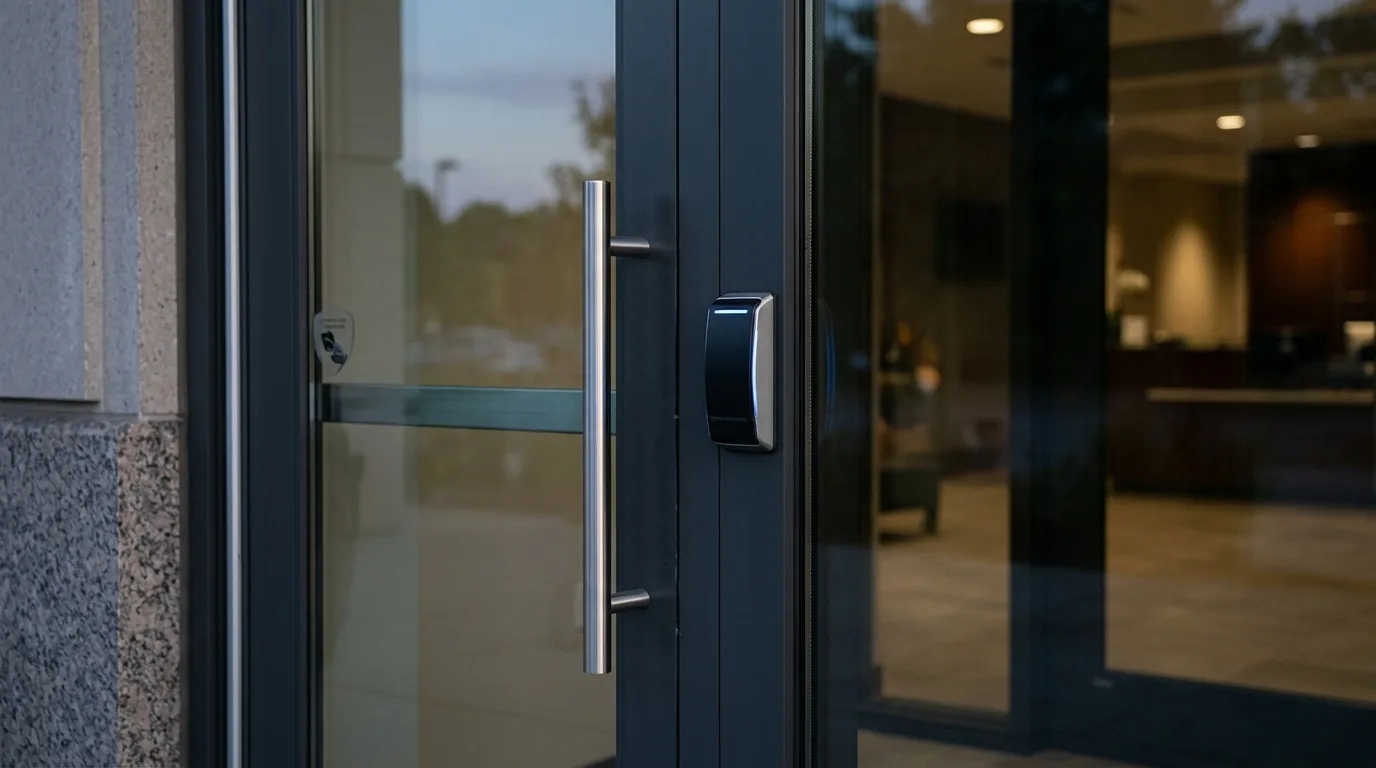
How Electrified Door Hardware Improves Building Access Control
A key can lock a commercial door, but it cannot dictate who should enter, when…
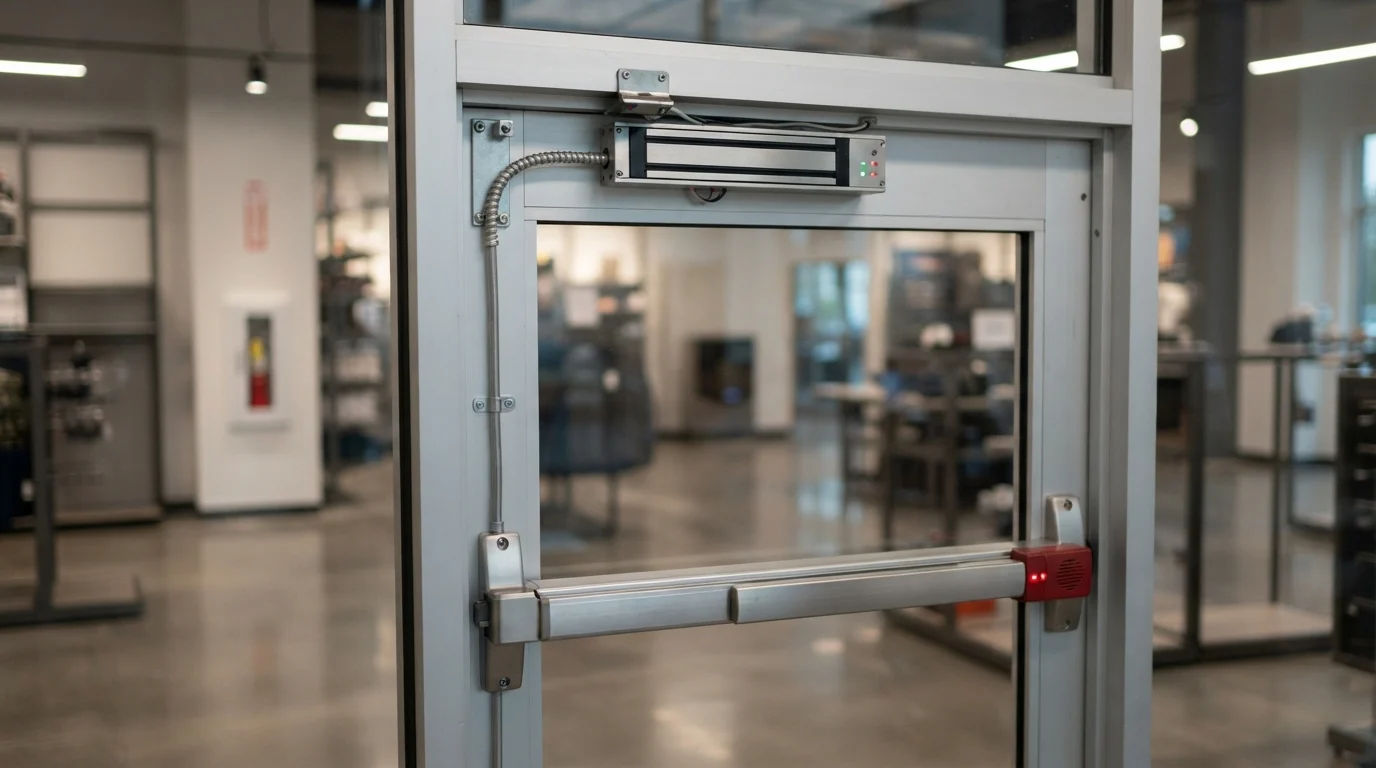
Delayed Egress Doors: What NJ Businesses Should Know
A business may want an exit door to stay secured against theft or unauthorized movement…
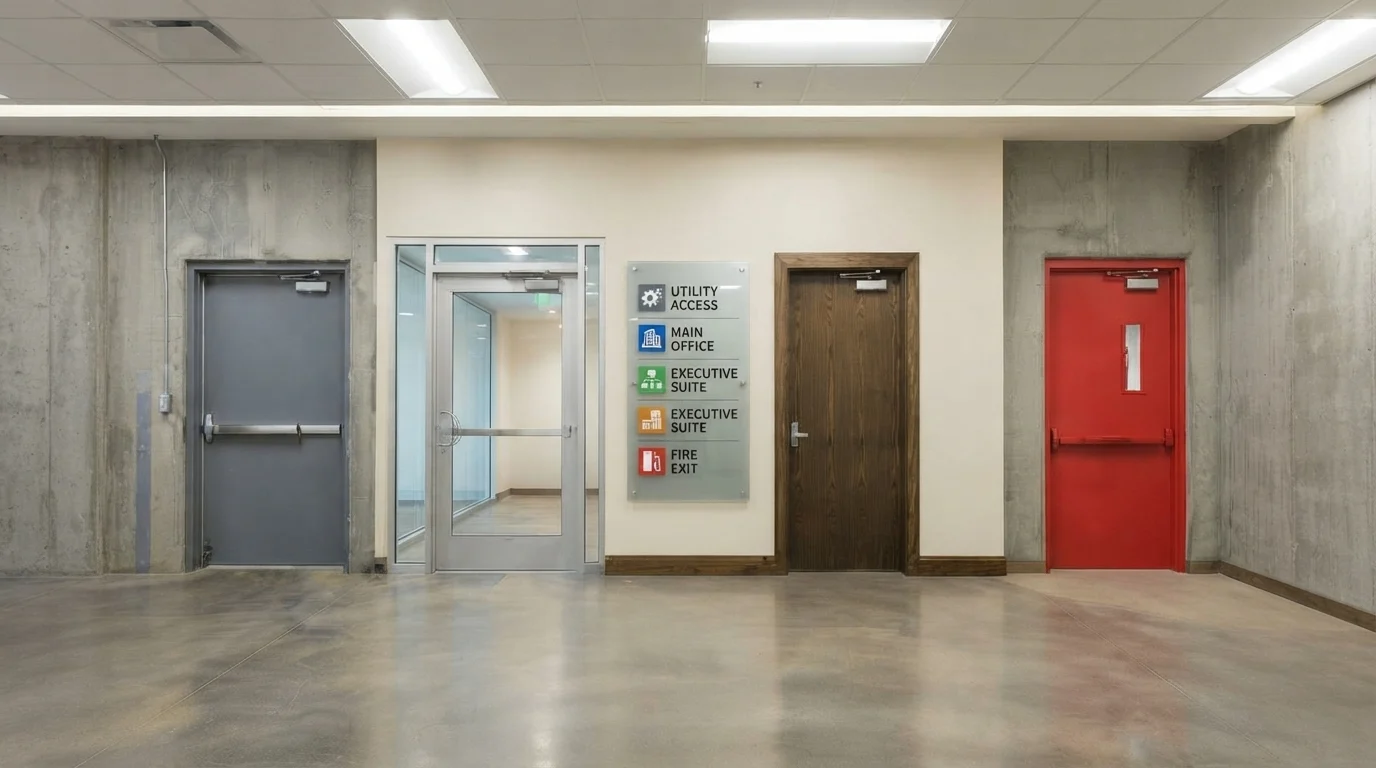
Why Exit Doors Must Open Easily in Commercial Buildings
An exit door that sticks during a normal workday is frustrating. During a fire, power…
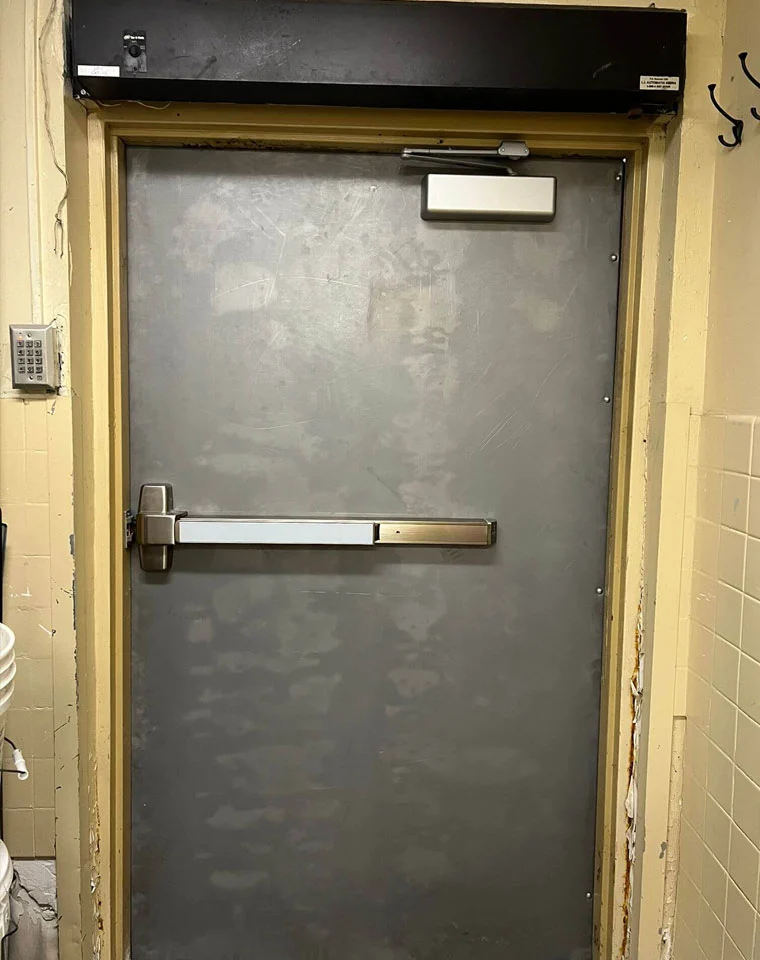
Panic Bar Repair vs Replacement: What Business Owners Should Know
A staff member leans into your rear exit with a full tray, the bar clicks but the…
What Are Panic Bars and When Does Your Business Need Them?
You have seen them on almost every store, school, and office exit, a long horizontal bar across…

Why Commercial Doors Get Stuck and How to Fix Them
A commercial door can work perfectly for months and then suddenly become difficult to open…